If you encounter the following exception when boot the iOS simulator:
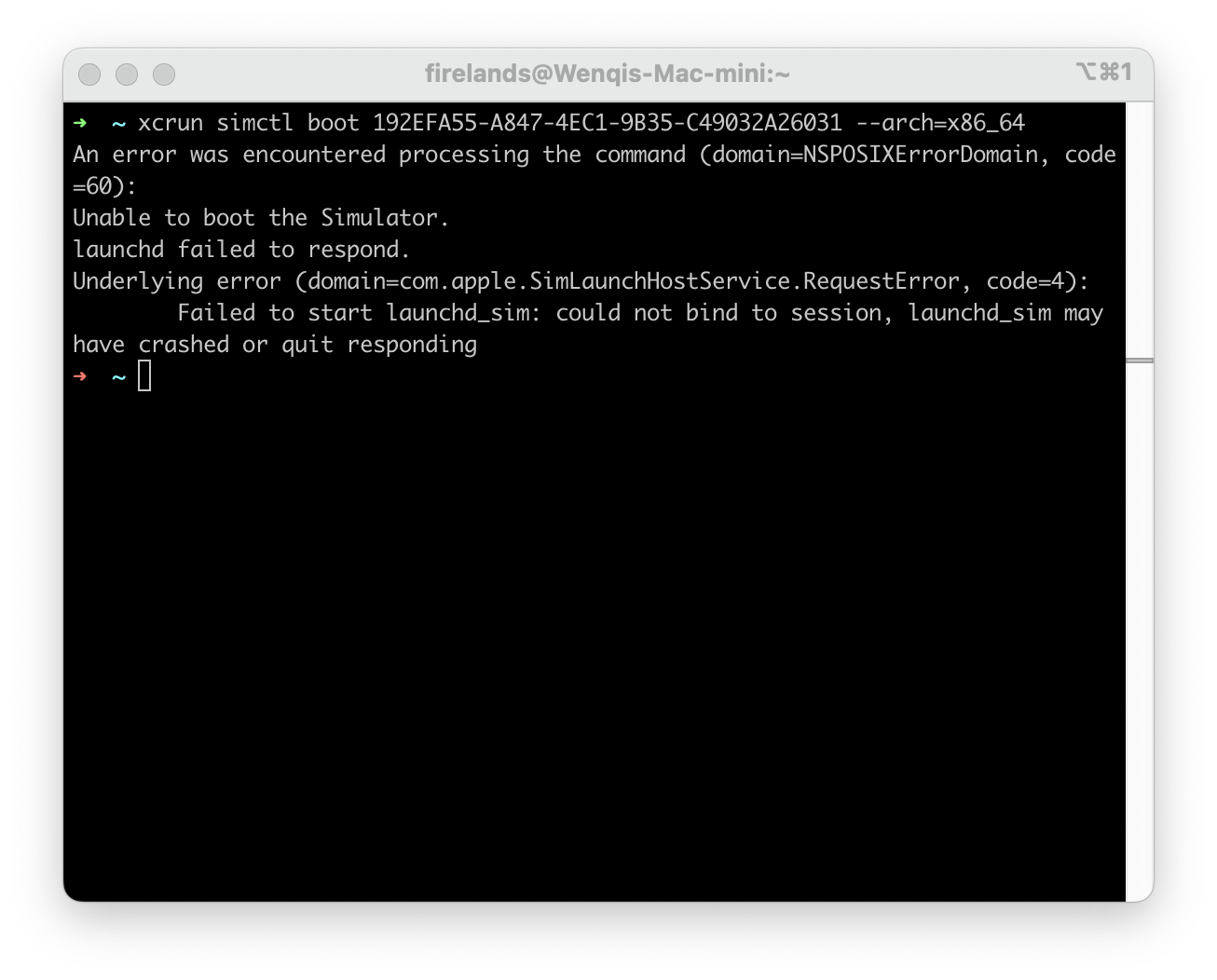
Or:
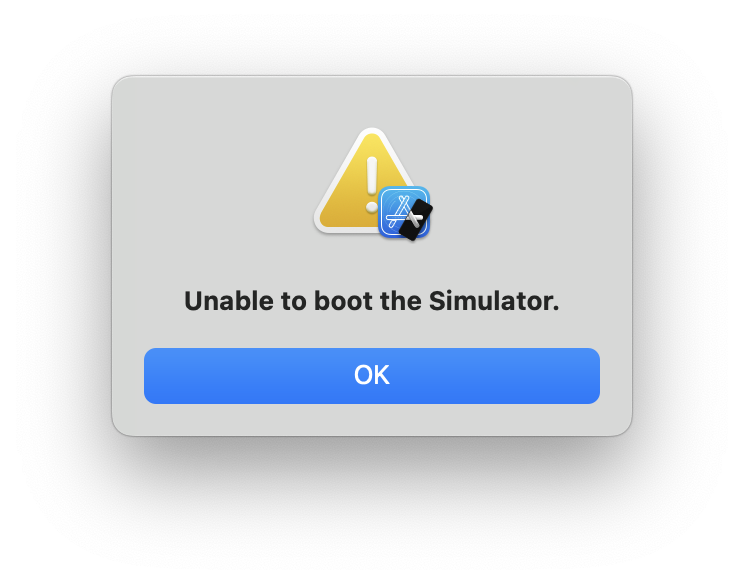
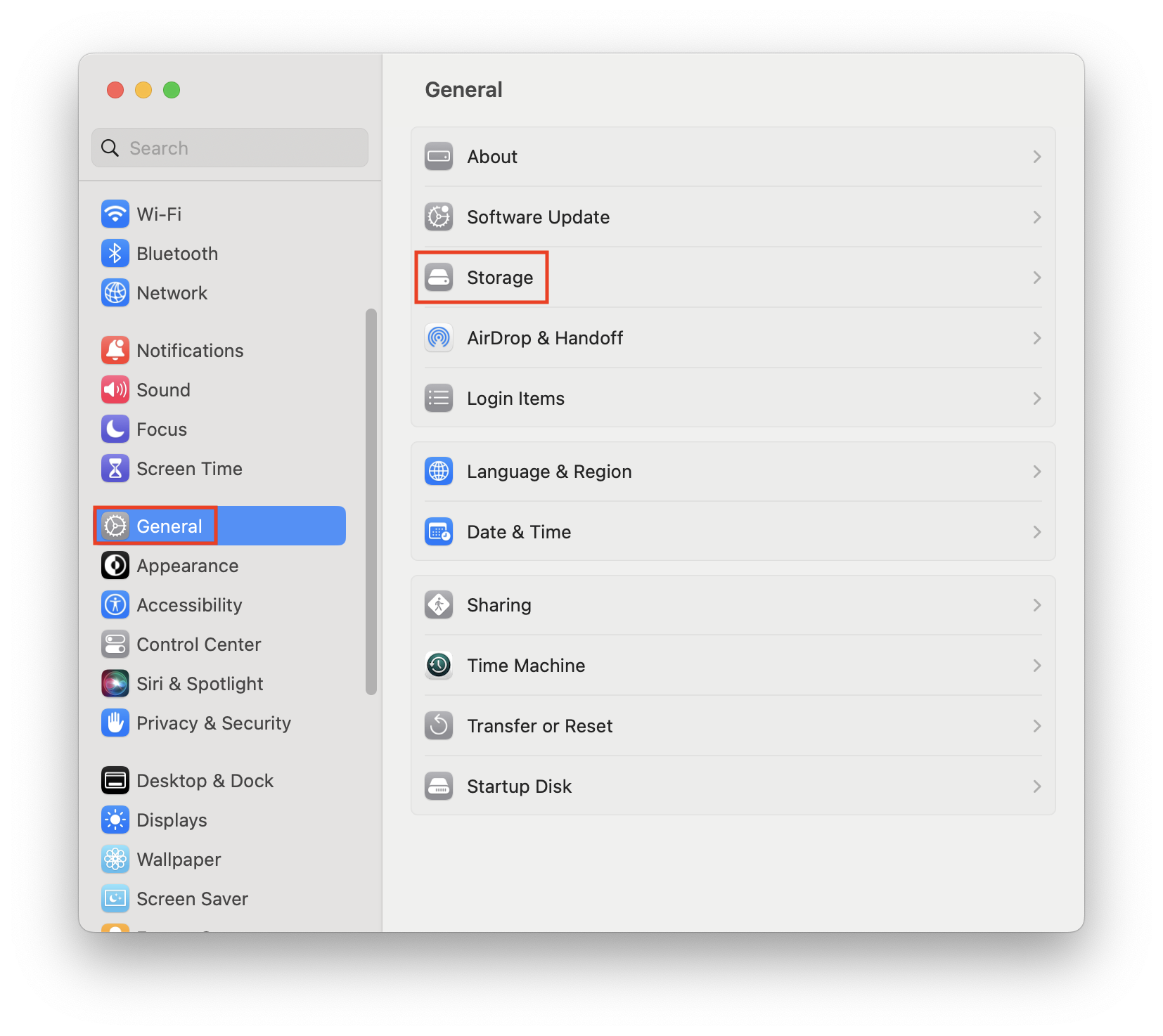
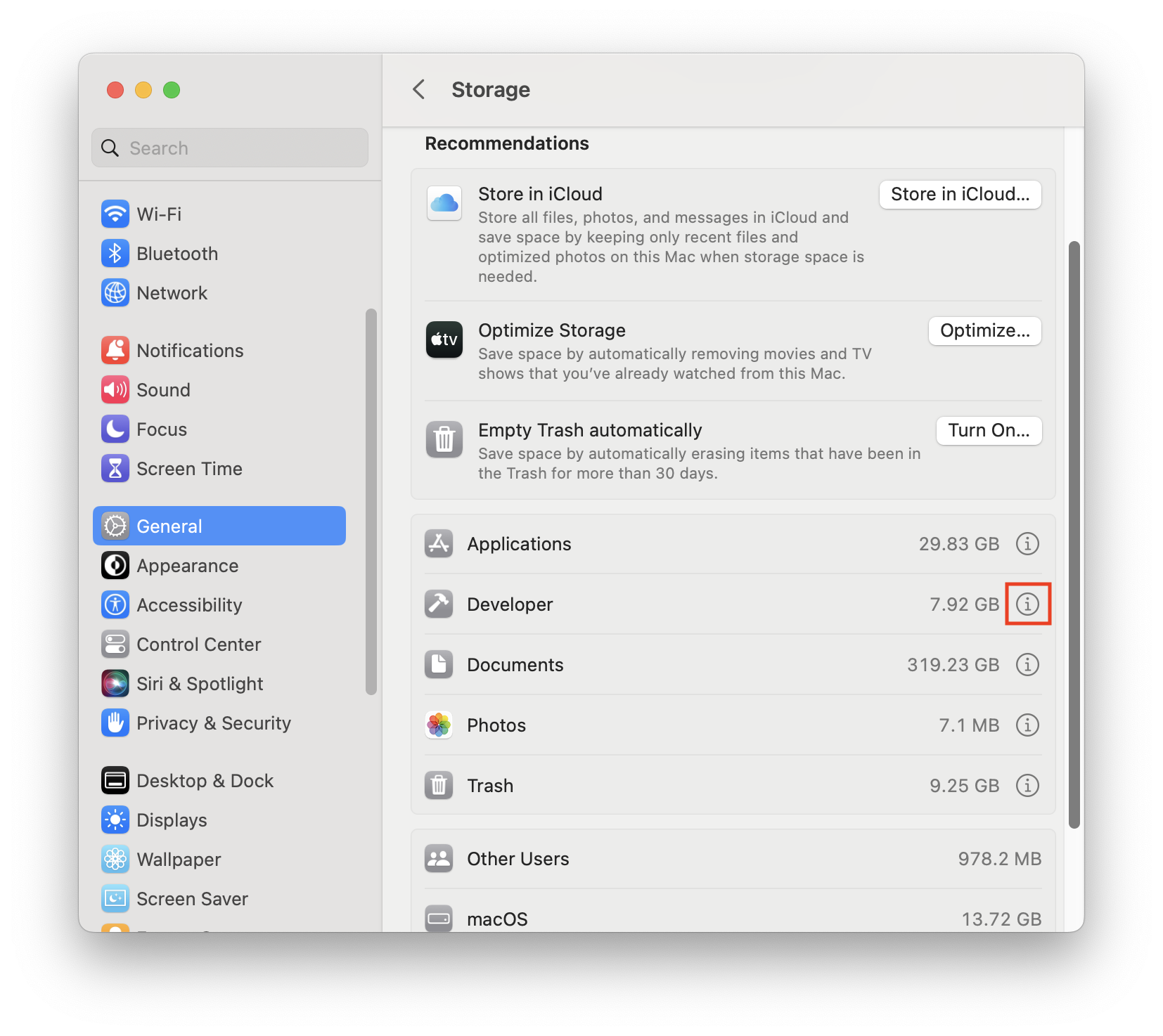
You can try thisMac --- > System Settings --- > Storage --- > Developer --- > Delete Xcode Caches. And then restart the simulator, it may work fine.
If you encounter the following exception when boot the iOS simulator:
Or:
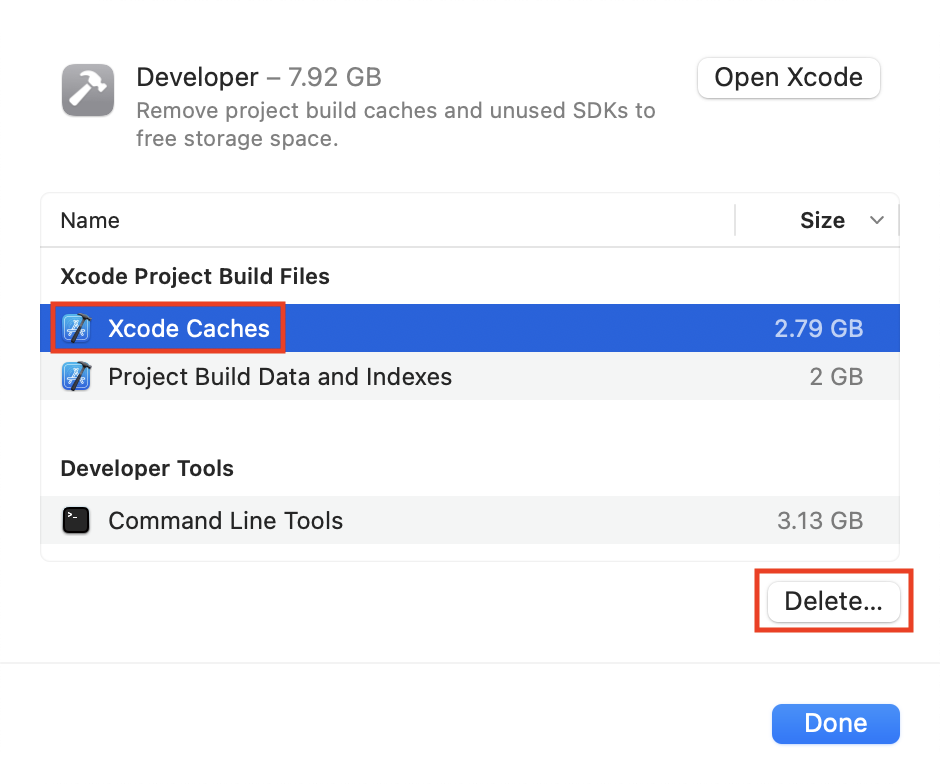
You can try thisMac --- > System Settings --- > Storage --- > Developer --- > Delete Xcode Caches. And then restart the simulator, it may work fine.